1 / 4
2 / 4
3 / 4
4 / 4
Podcast Studio Rental
St. Olavs gate 24, 0166 Oslo
**The studio is located in the School of Management and Theology's premises on the 3rd floor of St. Olavs gate 24. **
**How to rent studio: **
- Tap the date you want to rent
- Select time
- Select “1” on podcast studio rental
- Optionally add if you want to rent/buy memory chip for audio recording from HLT
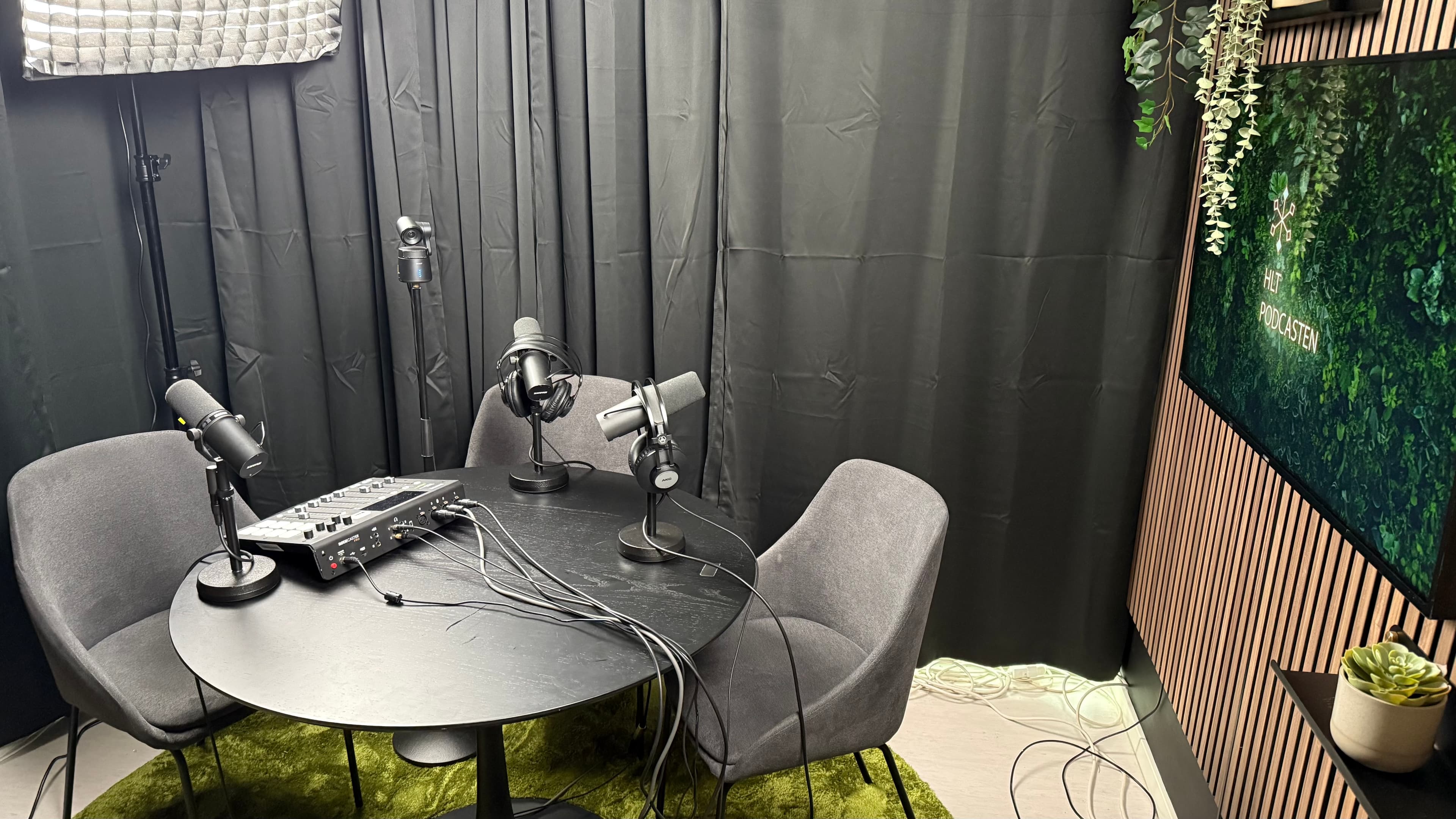
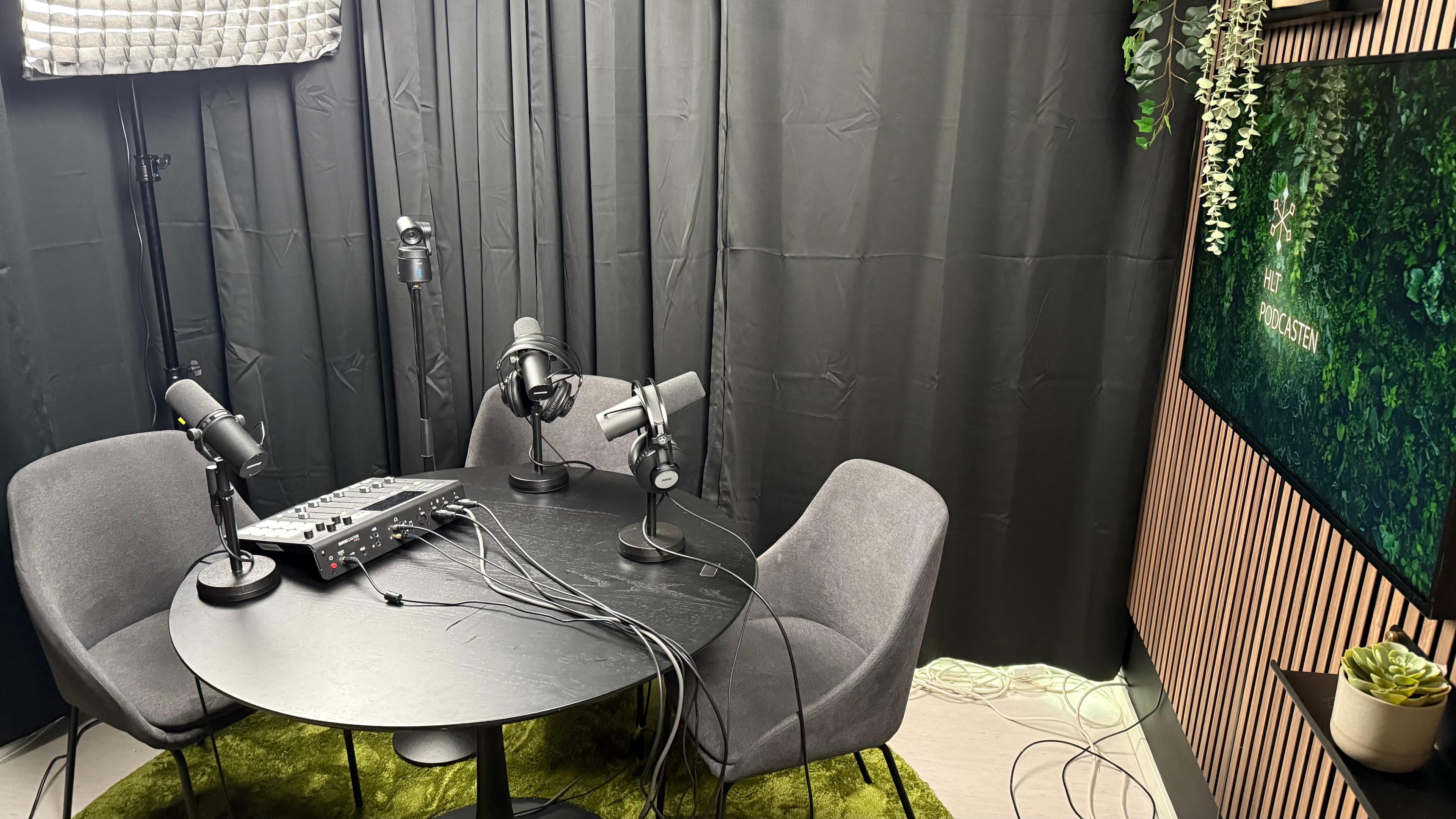
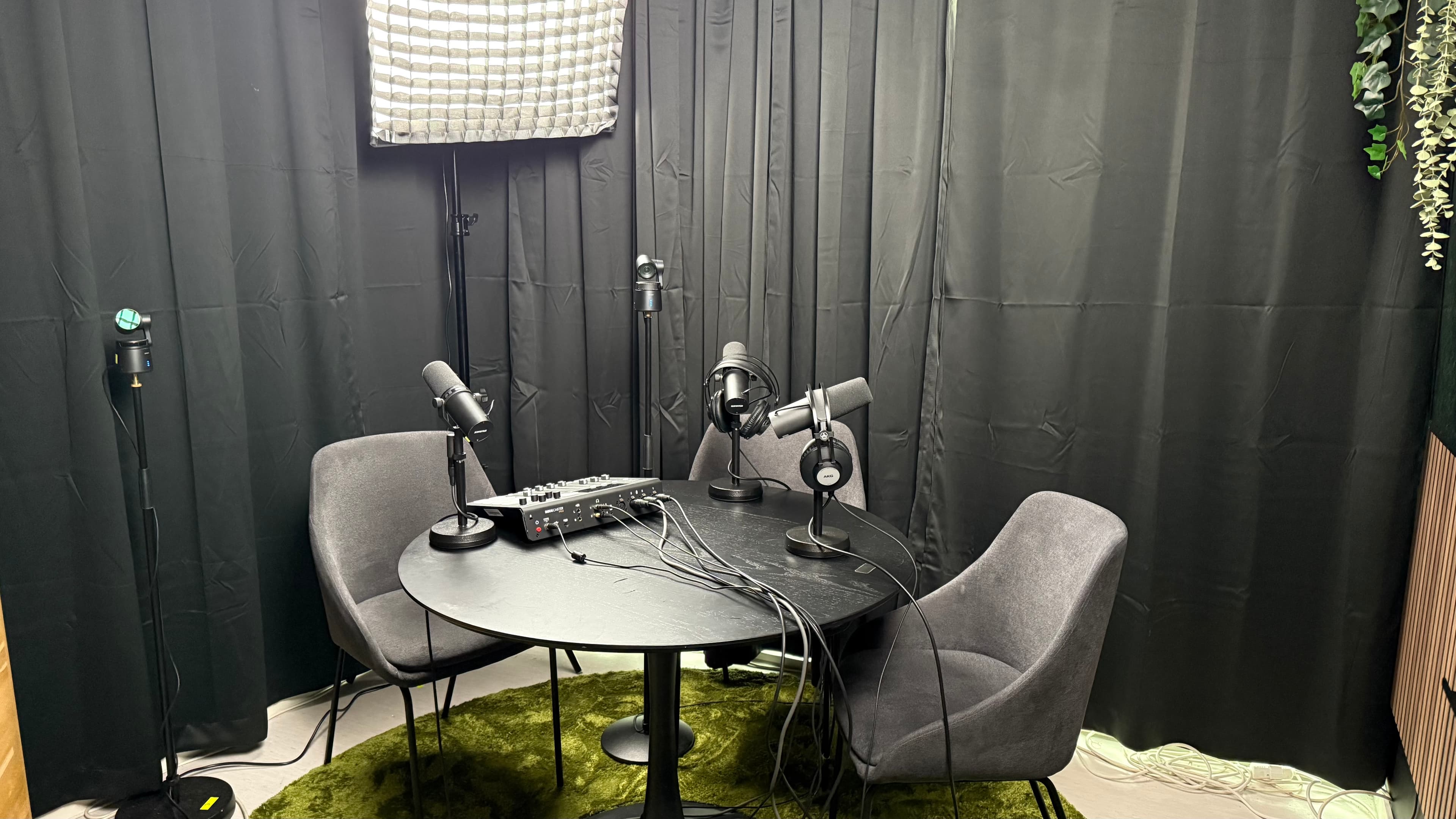
The studio has solutions that allow you to easily make recordings yourself, and without problems can control the technique at the same time as a presenter. The studio is suitable for up to 4 people and can record both audio and video.
Practical information
Booking:
- A booking costs 995, - and includes 2 hours of studio time.
- Remember to meet well in advance, and read well through the information and videos below. You can also read this in your booking confirmation by email.
- If further technical review is required, please let us know as soon as possible so that we can find a time.
- If you wish to rent at times other than those available, request can be sent to HLT via the button at the bottom of the page.
- Booking includes studio time and use of recording equipment for audio and video. Technician and producer during recording, and editing footage afterwards are not included in the price.
Audio Recording:
- Micro SD (memory chip for recording sound) should be class 10, and minimum 32gb. If you do not have your own memory chip for audio, the rental price will be added.
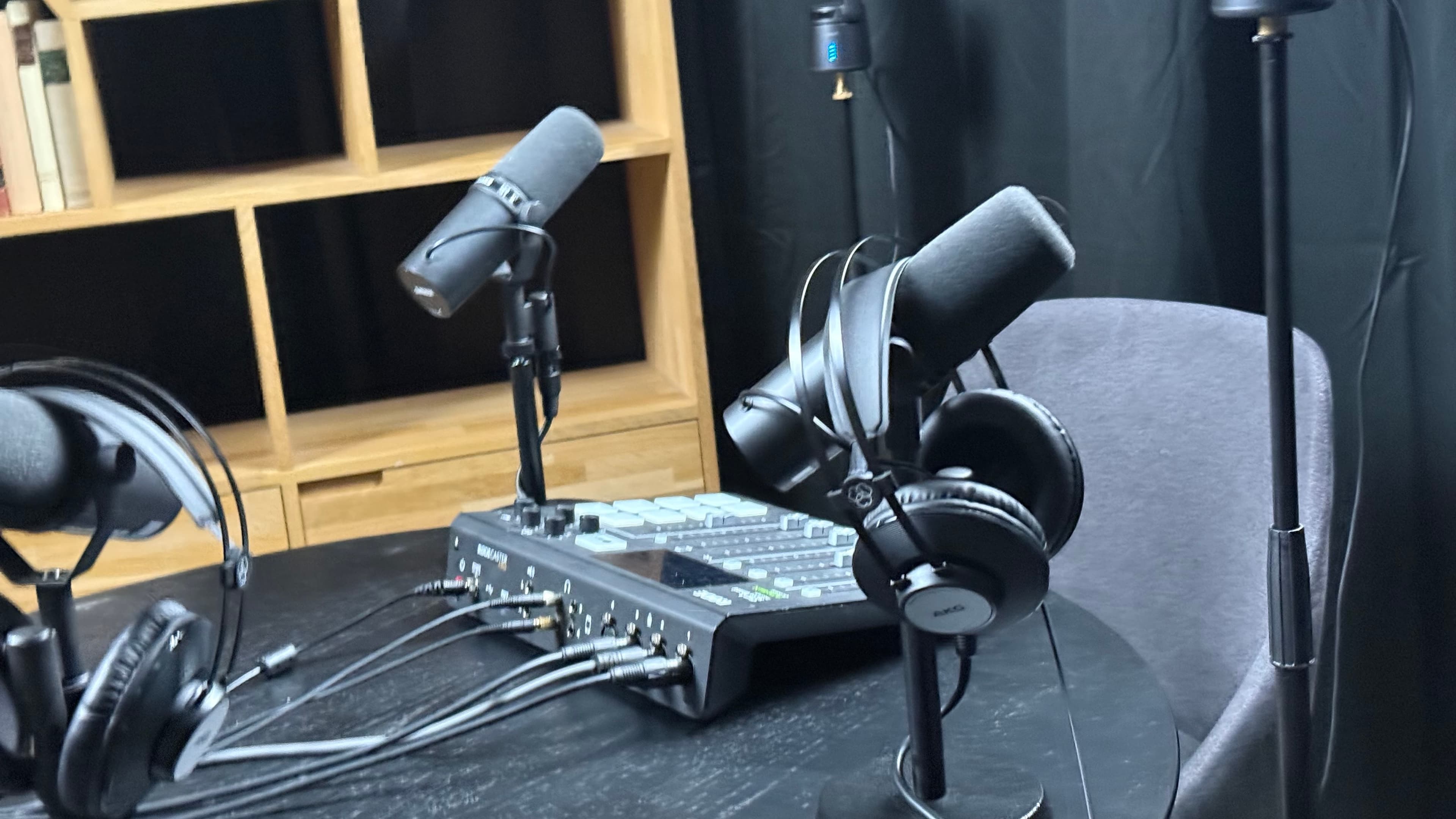
- The microphones are of the Shure SM7b type
< https://www.youtube.com/watch?v=9WSAR4I2qgY >- Audio recording is made easy with Rødecaster Pro ()
Video Recording:
- After recording, the contents of the memory chips must be transferred to your computer, as well as having the memory chips emptied and put back into the cameras **before leaving the studio. **
- The studio has 3 cameras of the type OBSBOT Tail Air. The cameras can be set to record manually, but we recommend doing it via the OBSBOT Center app for Mac/PC. You can find it here: (< https://www.obsbot.com/download/obsbot-tail-air >)
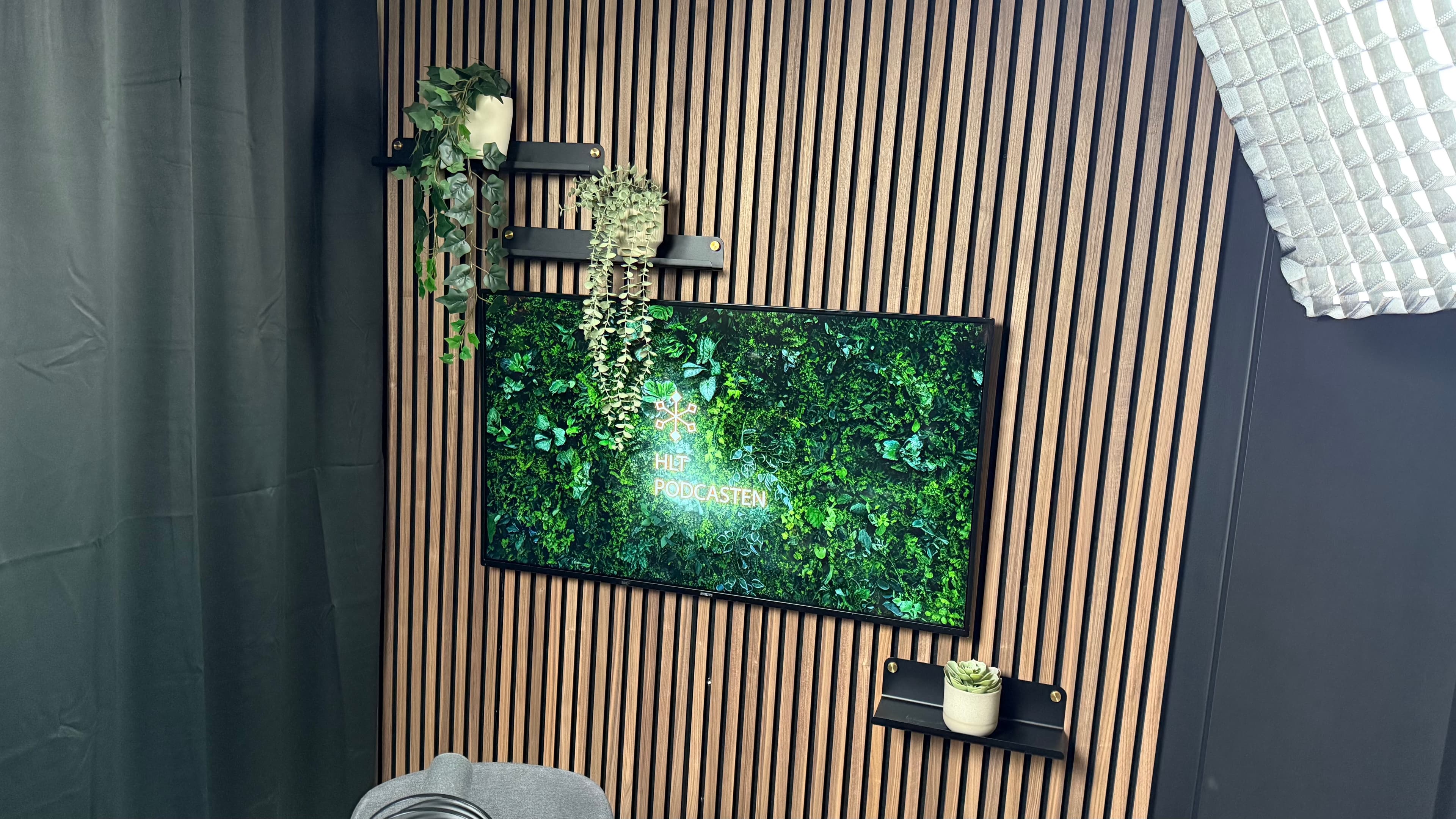
- The studio has a podcast logo screen. If you wish to do so, the picture must be sent to [thomas.birkeland@hlt.no](mailto: thomas.birkeland@hlt.no) in advance.
- In addition to screen, that wall also has 3 small shelves, The opposite wall has a large shelf section on the opposite side. These can be filled with props to give the studio a separate touch for your particular podcast. Content has to be rigged up and down during your studio time.